leo fmt
leo-fmt is distributed as a plugin rather than a built-in command. When you run leo fmt, the Leo CLI delegates to the leo-fmt binary on your PATH. You can also invoke leo-fmt directly.
Format Leo source files, automatically formatting all .leo files in your project.
leo fmt
By default, leo fmt formats all .leo files in the src/ directory. There is no output on success.
You can also format specific files or directories:
leo fmt src/main.leo
Installation
Install leo-fmt alongside Leo:
cargo install leo-fmt
Pre-built binaries are available from Leo releases. Release archives include leo-fmt alongside the main leo binary.
Plugin distribution is evolving. Tag-triggered releases and cargo binstall support are in progress. See Leo #29355 for the latest details.
To verify the plugin is installed and visible to Leo:
leo plugins
Check Mode
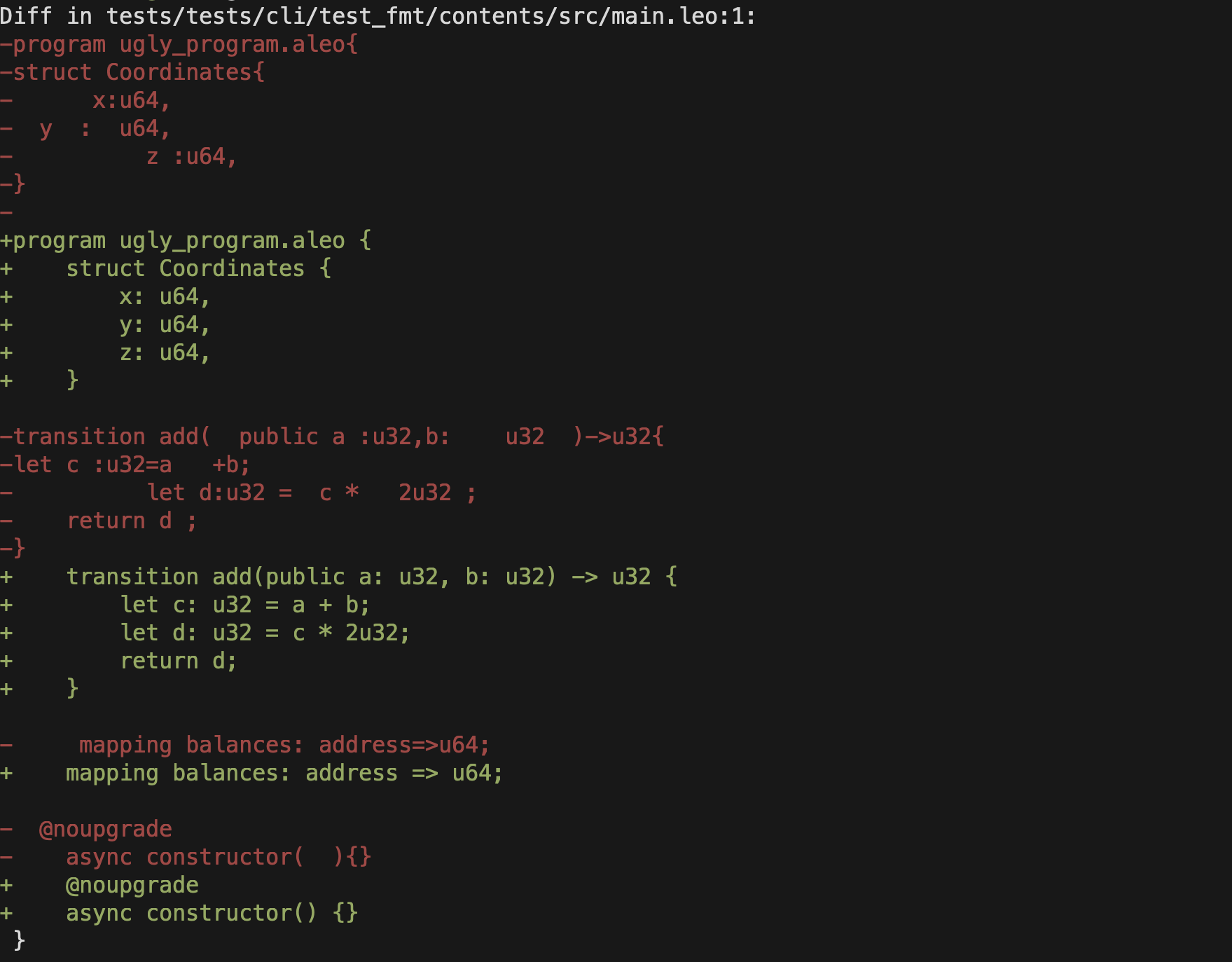
To check if files are formatted without modifying them, use the --check flag. This prints a colored diff of any unformatted files and exits with code 1 if changes are needed:
leo fmt --check
Flags
--check
-c
Check if files are formatted without modifying them. Prints a diff and exits with code 1 if any files need formatting.
[PATH]...
Files or directories to format. Defaults to the project src/ directory if not specified.
--version
-V
Print the leo-fmt plugin version. Works both standalone (leo-fmt --version) and through the CLI (leo fmt --version).